Complex platforms can slow teams down and discourage engagement. GMV’s contextual help provides clear, in-platform guidance at every step, so users can navigate confidently, complete tasks faster and get meaningful insights without extra support.
Built-in tips for smarter engagement
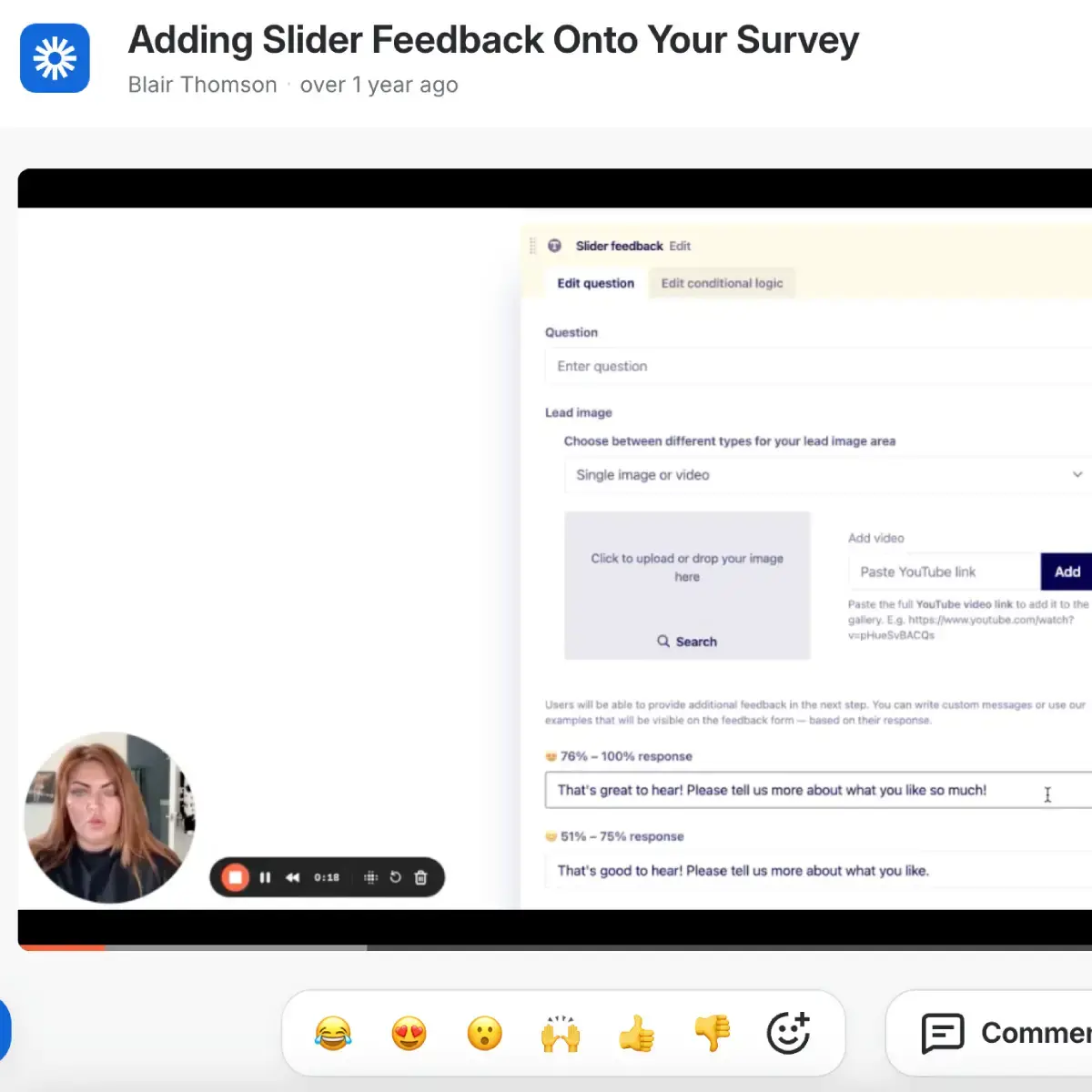
Tutorials & Videos
Learn how to set up and manage consultations quickly with step-by-step visual guides.
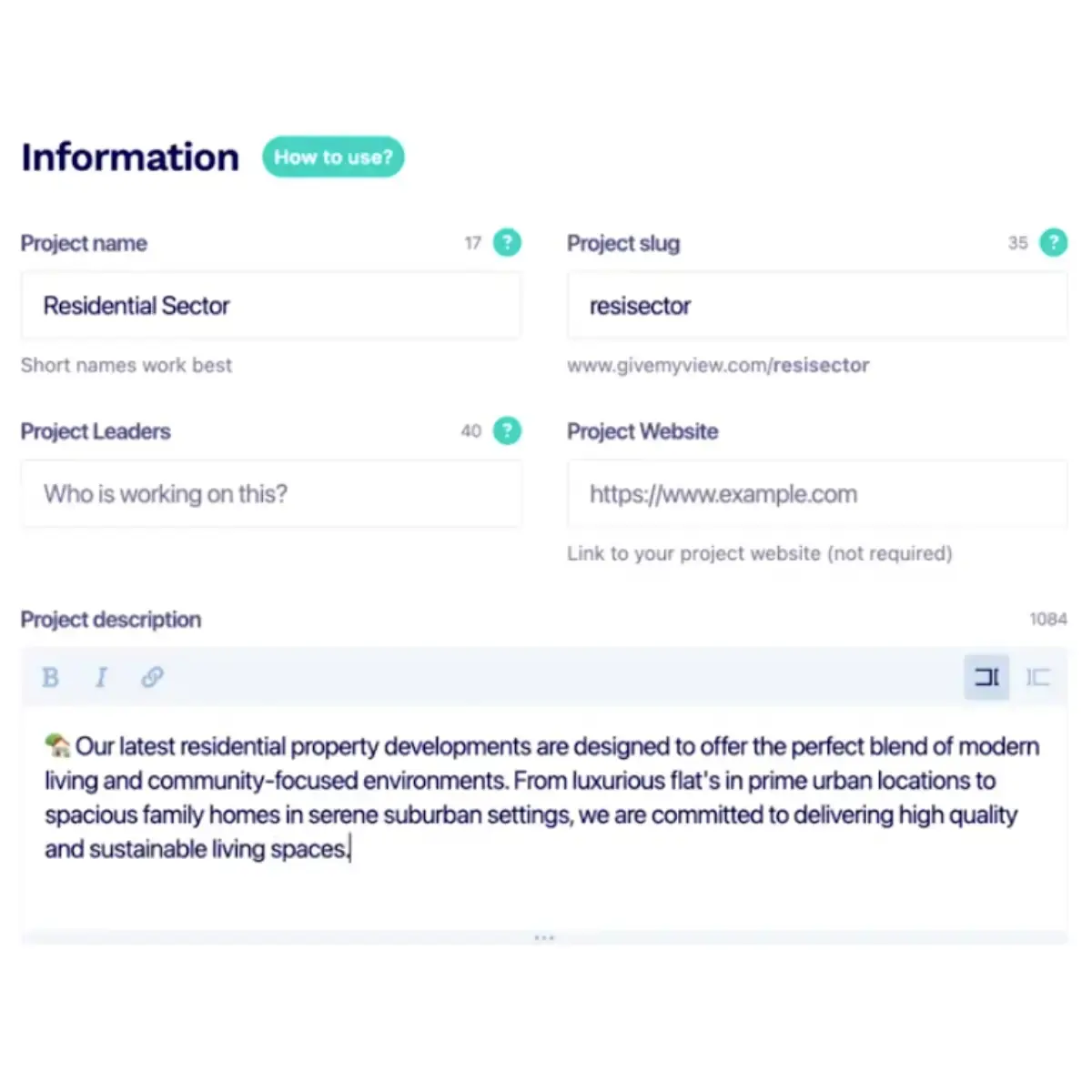
Character Count Guidance
Keep survey questions clear and concise with built-in character limits and helpful tips.
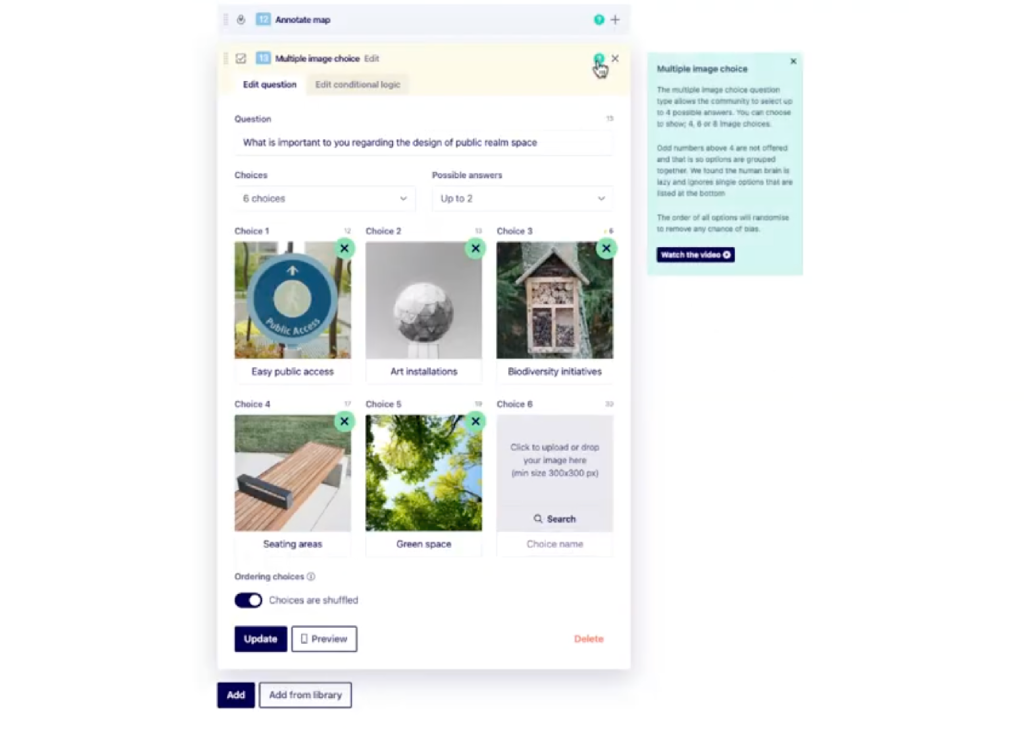
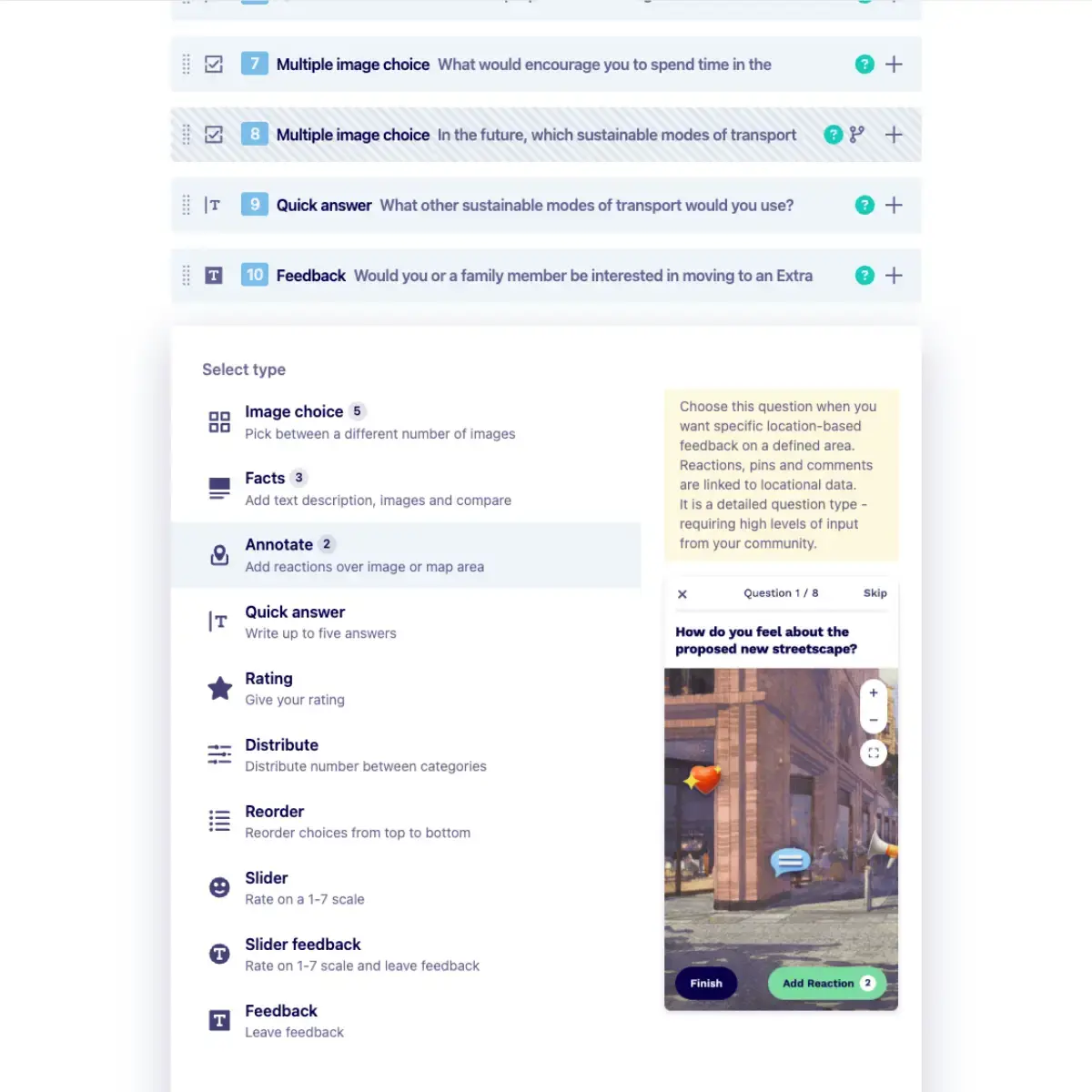
Question Type Guidance
Understand each question type and when to use it to capture the most useful feedback.
Get help, exactly when you need it
Quick onboarding
Get up to speed fast with built-in guidance and intuitive design.
Ease of use
Simple navigation and clear prompts make creating and managing surveys effortless.
Fewer support requests
Reduce the need for external help as users find answers and guidance directly within the platform.
Make every survey simple and intuitive
Try Give My View and use contextual tips, tutorials, and guidance to streamline engagement, improve accuracy, and reduce support requests.